rastriq. Let's talk →
Rastriq / Google Maps

Google Maps reviews data: your local reputation as a time series.

Track ratings, review volume and sentiment for any business or competitor set on Google Maps. Build reputation dashboards without manual review.

2
Sources
Global
Coverage
Daily
Refresh
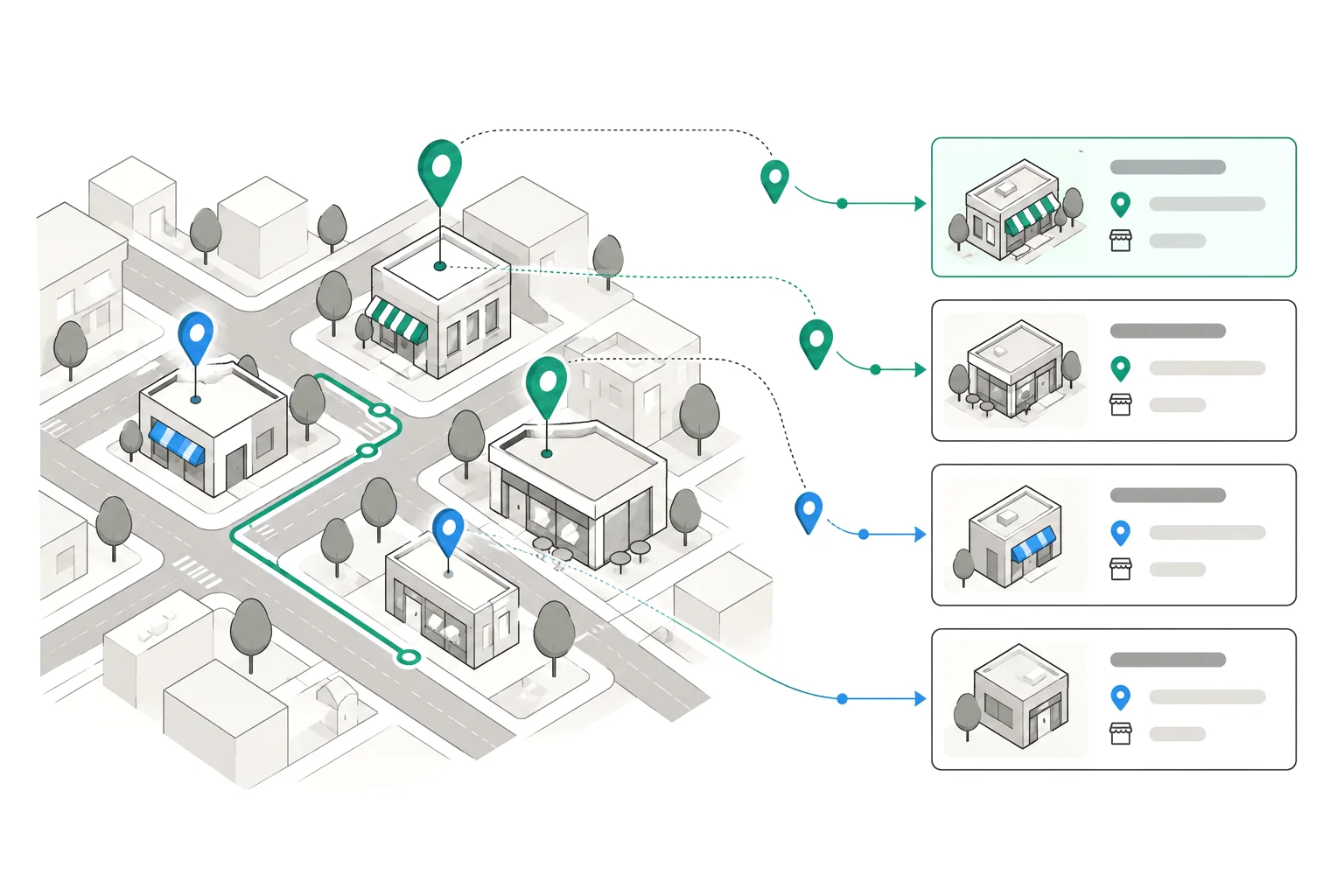
Illustration: city map with pins turned into business cards

Google Maps reviews, structured

Every review for a business with date, rating and text — ready for sentiment analysis.

Besides reviews, this vertical includes routes and travel times: N×M distance matrices and traffic profiles by departure time. See the uses of route and traffic data.

Google Maps Reviews
Review monitoring
Reviews, ratings and volume per business. Time series to track reputation.
View on Apify →
Google Maps Directions, Traffic & Distance Matrix
Routes and traffic
Routes, travel times, traffic and distance matrices by car, public transit, walking and cycling, with no Google API key.
View on Apify → See route data →

Normalised output fields

The same field names and formats regardless of source. Load and join without mapping.

FieldTypeExample
place_idstringChIJN1t_tDeuEmsRUsoyG83frY4
business_namestringMartinez Garage
ratingnumber4.3
review_countnumber287
review_textstringFast service and...
review_ratingnumber5
review_datedate2026-07-14
owner_replystringThanks for...
sourcestringgmaps

What you decide with this data

Multi-location brand
Monitor review velocity and rating trends across all your locations and competitors.

How a multi-location chain tracks its reputation

Picture a chain with dozens of outlets and several direct competitors in every city. Reputation is usually measured by hand: someone opens Google Maps, notes each outlet's score and pastes it into a spreadsheet. The result arrives late, depends on who did it and leaves no history. With the review actor, each outlet becomes a scheduled query that returns rating, review count and new dated reviews, always with the same fields.

The marketing team schedules a daily or weekly run over its own outlets and the nearest competitors of each one. Every run adds one row per business and day; chained together they become a time series: review velocity, rating drift and one-star reviews with their text. A score drop at a single outlet shows up within days instead of in the next quarterly report.

Because the schema does not change between runs, the data loads straight into Looker Studio, Power BI or a spreadsheet with no mapping layer. The most useful step is usually to join it with the owner reply to measure response time, and with the business category so that you only compare like-for-like outlets.
Five real listings from the sample

Five rows from the public Google Maps business-listing sample. Only company data is shown: trading name, category, city, average rating and review count.

BusinessCategoryCityRatingReviews
Fresca TrattoriaRestauranteStone Mountain4.6223
The Hidden HouseRestaurante especializado en cocina americana modernaChandler4.61906
Print Works BistroRestaurante de alta cocinaGreensboro4.63520
Dayville CafeRestaurante americanoDayville4.8670
Craft 64 ChandlerPizzeríaChandler4.51070

The full sample has 50 listings: JSON · CSV. No account or form needed.

Which countries each source covers

Coverage as stated in each actor’s published documentation, as of 12 November 2026.

No closed list of countries in their documentation: Google Maps (reviews).

Frequently asked questions

What data does the Google Maps review actor return?

For each business it returns the place identifier, name, category, average rating and total review count. For each review it returns the score, text, date and the owner reply when there is one. The schema documented on this page does not include review author data, and field names are fixed so the data loads the same way on every run.

How often can I refresh the data?

Each extraction is an independent run, so you decide. For reputation tracking, daily or weekly is typical. In Apify you can schedule it and chain runs to build the history of each outlet.

Can I monitor competitors and not only my own locations?

Yes. The actor works with any public Google Maps listing, yours or a competitor's. Comparing like-for-like outlets is done with the category and city fields.

Which formats do I get the data in?

Apify exports to JSON, CSV, Excel, XML, HTML and RSS, and the data is also available through the API. If you would rather receive a ready-made periodic file, we can set that up as a managed scraping service.

Is there a sample I can try before buying?

Yes: 50 business listings in JSON and CSV, with no account or form. For specific reviews, launch a pay-per-result test run: if there is no data, you do not pay.

From reputation data to a finished report

If you would rather not build the tracking yourself, we can deliver the data ready to use or build the extraction around your needs.

Start monitoring your reputation

Pick your source and launch your first run. Pay per result — no data, no charge.

Explore other markets